Step 1: Write a Simple Test
Testpilot runs tests that are written in a pilotplan format. For this example we’ll use YAML, but Testpilot can also recognize pilot files written in TOML or JSON: Here is a simple test that will go to Hacker News, search for a topic, and click the first result. Copy these contents to a yaml file titledexample-hn-search.pilot.yaml.
cases, where each case executres one or more steps.
When Testpilot executes a test case, it opens the url of the test case in a new browser or device
context, and begins executing the steps.
Step 2: Running your Test
You can run your test files usingtestpilot test <path_to_file>. Testpilot runs your tests in
headless mode by default, but you can use --show-browser to watch what Testpilot is doing live:
Step 3: Viewing your Test Results
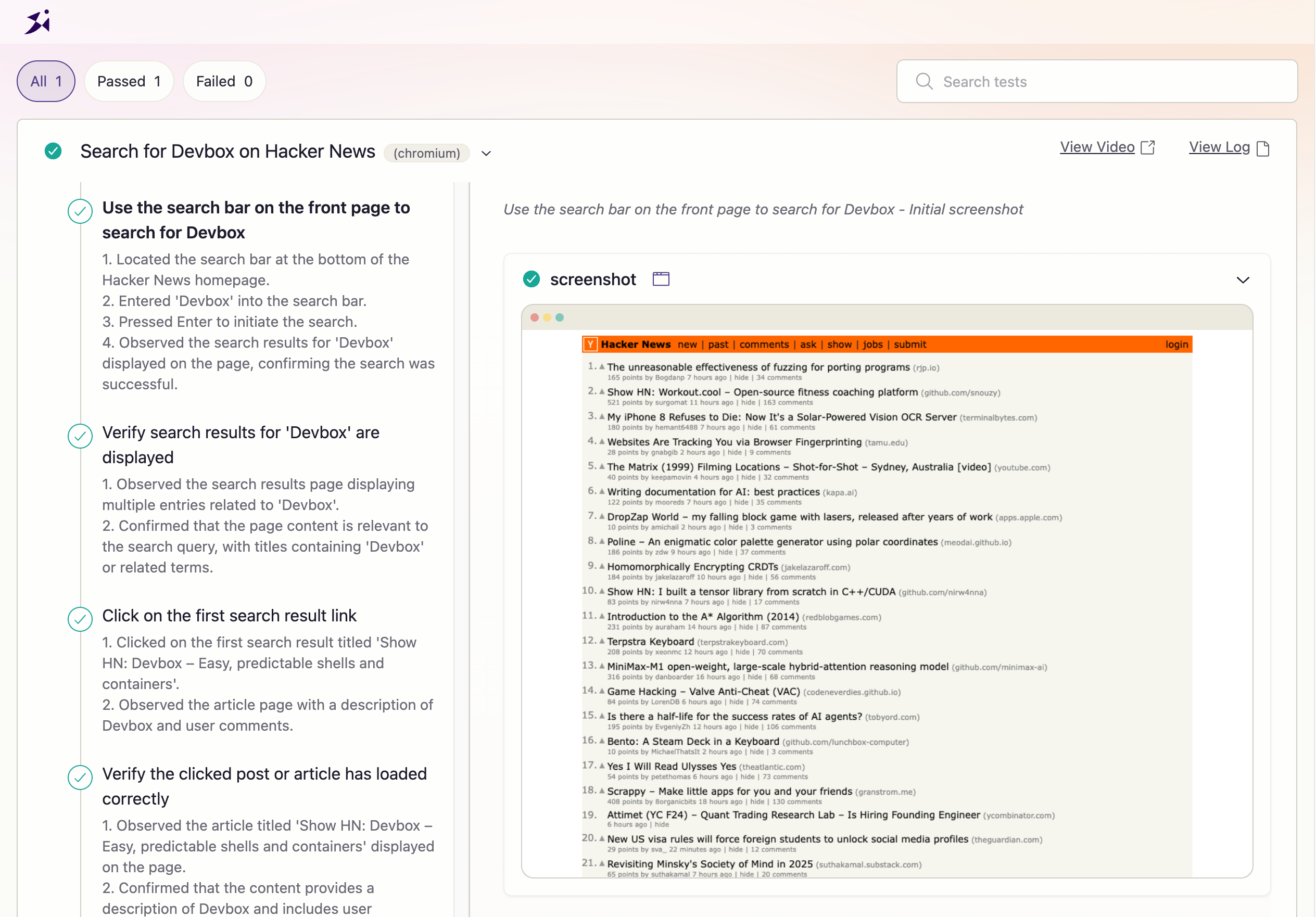
Once your test is finished, a static HTML report with the results, screenshots, and video of the test will be written totestpilot-out. You can view the results by opening the index.html at the
root of the folder: